IT Essentials · Beginner
Computer Networking
How computers talk to each other: addresses, names, packets, ports and protocols, then how to build, secure and troubleshoot a real home or office network.
IT Essentials program
- Lessons
- 4
- Study time
- 40m
- Level
- Beginner
- Program
- IT Essentials
Sign in to open the lessons
4 lessons
Lessons, files and narration open after you sign in and buy the program. One payment opens every course in it.
Sign in to open a lesson. Buying the program opens every course and lesson in it, permanently.
About this course
A network is a set of agreements between machines, plus the equipment that carries them. This course starts with what a network actually is, then how anything gets found: IP addresses issued by DHCP, MAC addresses on the local link, and DNS turning names into numbers.
You will follow data as packets with headers, ports and protocols, then do the work that comes up on a Monday morning anywhere in Ghana — assembling a small network from a modem, a router, a switch and access points, planning Wi-Fi coverage, and troubleshooting in the order that finds faults fastest rather than the order that feels busiest.
It is written for the person who keeps an office, a school or a shop connected, and for the beginner who wants networking foundations before going deeper.
Who this is for
- You are the person colleagues call when the internet stops working.
- You are starting in IT support, or studying networks and want the practical half first.
- You want a foundation before the engineering depth of network architecture.
Before you start
- Comfortable using a computer and a browser; no command-line experience assumed.
- Access to a router you are allowed to configure — a home or office network is ideal.
- About four hours a week for two weeks.
Where it leads
- Computer Networks & Architecture goes into routing, switching, subnetting and design.
- Cyber Security Foundations shows how the same protocols are attacked and defended.
- IT support is the most common entry-level technology job in Ghana, and a documented troubleshooting habit is what gets you promoted out of it.
Tools you will use
What you will build
- 1A labelled diagram of a real network, including every device and address
- 2An addressing plan with static reservations for the equipment that needs them
- 3A Wi-Fi plan covering channel choice, placement and a guest network
- 4A troubleshooting sheet ordered by likelihood
- 5A documented small network somebody else can maintain
Curriculum
2 modules · 4 lessons · 40m
Sign in to open each lesson
01 · Networking basics
What a network is made of, and how a device finds its place on one.
1. What a network is
A network is not a cable or a router; it is a set of agreements that lets two independent machines exchange data, plus the links and devices that carry it. This lesson names the parts — nodes, links, media, protocols, clients and servers — and the vocabulary that measures a connection: bandwidth, throughput, latency, jitter and packet loss. Once you can tell bandwidth from latency you can diagnose most "the network is slow" complaints, because they are two different problems with two different fixes.
2. Addresses and names: IP, MAC and DNS
Nothing on a network can be reached without an address, and no human will remember one. Two systems bridge that gap: IP addresses moved by DHCP and resolved from names by DNS, and MAC addresses used only within the local link by ARP and switches. This lesson follows one device from switching on to opening a website: how it receives an address, how it finds the gateway, how a name becomes a number, and how to read the output of the four commands that show you all of it.
02 · Networking in practice
Packets, ports and protocols — then the devices you build a real network from.
1. Packets, ports and protocols
Data does not travel as a file; it travels as numbered packets, each carrying a header that says where it came from, where it is going, and which program should receive it. This lesson explains packet structure, the port numbers that identify programs, and the difference between TCP — ordered and reliable — and UDP — fast and best-effort. It then traces one HTTPS request through the stack and shows you how to read that trace in Wireshark, which turns the theory into something you can point at.
2. Building and fixing a small network
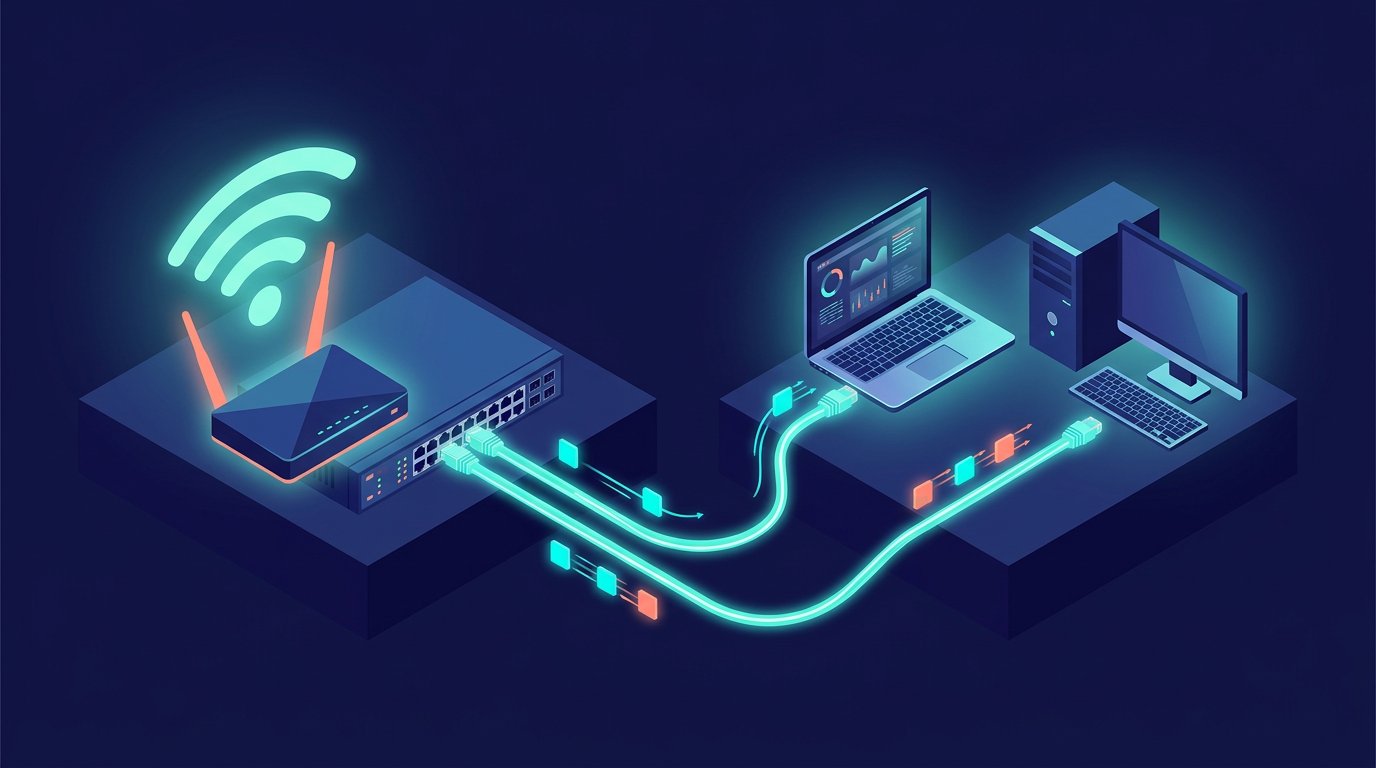
This is the lesson you will use on a Monday morning: how to assemble a small network from a modem, a router, a switch and access points, how to plan its addressing and Wi-Fi coverage, and how to find out what is wrong when somebody says the internet is down. It ends with the troubleshooting ladder — physical, link, address, gateway, name, far end — which turns guesswork into a sequence you can follow in any building.
4 lessons, including the a working small network, documented — addressing plan, wi-fi plan and a troubleshooting sheet somebody else can follow project. Sign in and buy the program to open them. Create an account to track progress and earn the certificate.
Taught by a working engineer
Ibrahim Cole — Network Engineer. Every lesson is written to be used, not just watched.
A verifiable certificate
Complete every lesson and you get a certificate with a code and QR that an employer can check in seconds.
Practice in the Code Lab
Write and run code in the browser while you learn, with your work saved to your own account.
Still have a question?
Email hello@codemasterghana.com or send a message from the contact page — we answer within two working days, in English or Twi.